
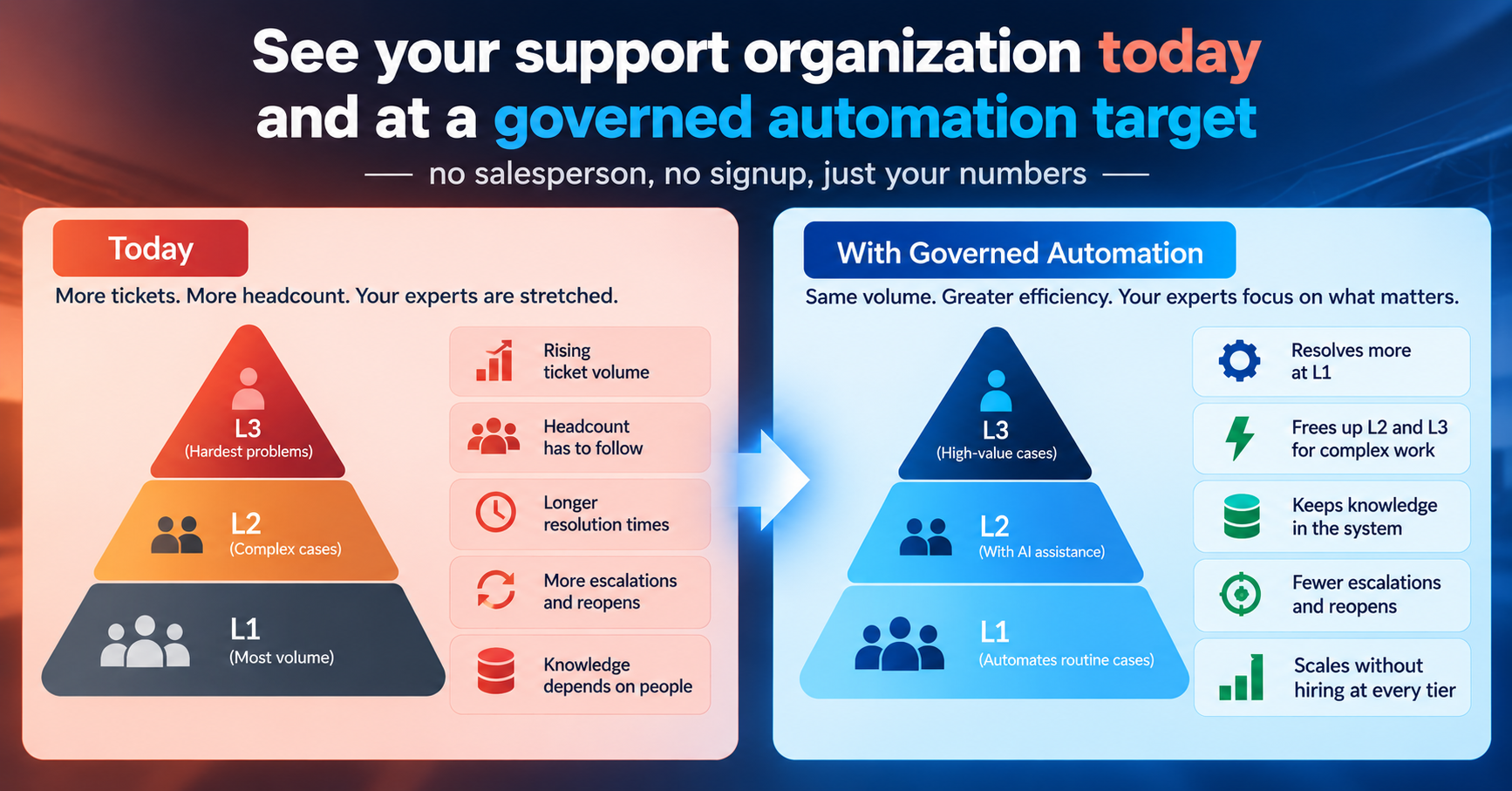
We didn't want another ROI calculator that hides its math behind a "request a demo" wall. Ours is a single page, no signup, and it shows its work.
Here's how it thinks. Start with your ticket volume — tickets per month is the only number you have to type in. From that, the calculator applies the same benchmark formula we use everywhere: split volume across L1, L2, and L3 by typical support-pyramid ratios, add roughly one supervisor for every 8 frontline agents, and you get your organisation today — a number most support leaders have never actually seen written down, because nobody calculates it end to end.
Two more inputs let you model your own situation. Current Automation tells the calculator how much of that volume you're already resolving without a human, so the baseline reflects where you actually are, not a cold start.
And a Kodiflex target — 40%, 50%, 65%, or 75% — lets you model what your organisation could look like at different levels of governed automation, from an early, conservative deployment to a mature one.
Every L1, L2, L3, and supervisor field is also editable by hand. If your team doesn't match the benchmark split, override it and see your own numbers instead of an industry average.
The output is your Estimated New Organisation at that target, and the gap between the two — Capacity Unlocked — is the number that actually matters. It isn't a promise; it's what the same formula, applied at a different automation level, implies for your specific ticket volume and team shape.
We built it this way on purpose. A support leader shouldn't have to talk to a salesperson to find out whether this is worth a conversation.
Plug in your numbers, see your organisation today and at a governed target, and decide for yourself whether the gap is worth pursuing.
One honest caveat, and it's one we'll keep repeating through this series: the automation percentage you choose is a declared target, not a guarantee.
What you can actually automate depends on your ticket mix, your knowledge base, and the thresholds you'd configure for your own environment. The calculator gets you a defensible starting hypothesis. Validating it against your own closed tickets — which we'll get into in a few weeks — is what turns that hypothesis into a number you can take to your CFO.
The calculator is live. It runs entirely in your browser — no signup, nothing sent anywhere.